

March 28th
Modeling, Moderate, Product design, Tutorials
This article has been viewed 105087 times. You can leave a response, or trackback from your own site.

Modeling CREATIVE speaker


STEP 2
Using straight line (polyline) create a line like this:
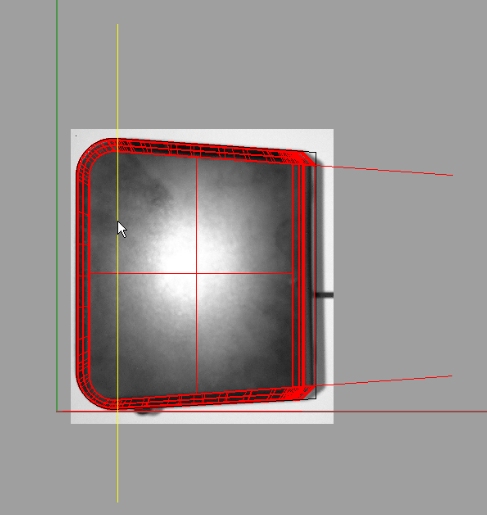
Using Split command, split the inner and outer shell of our model with that line.Do the splitting from Front viewport!
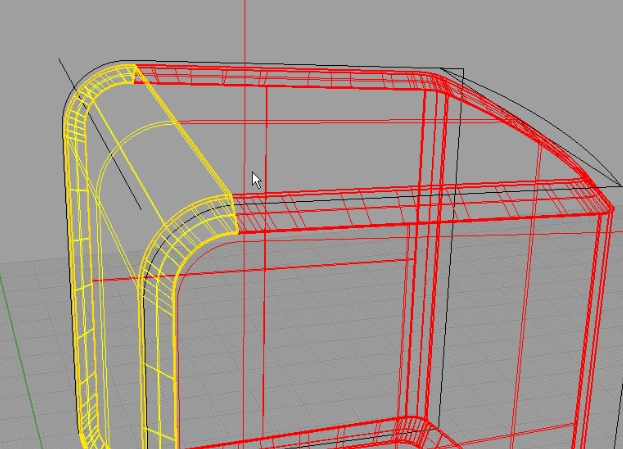
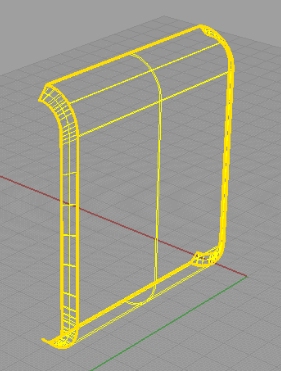
Using Loft command, close and connect inner and outer shell.
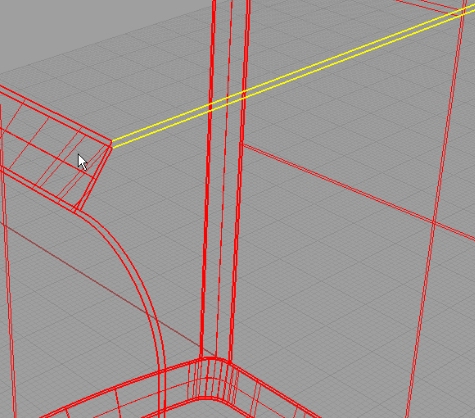
Do that for other edges too:
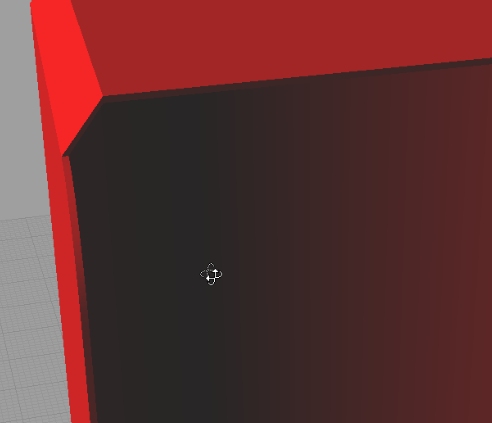
And do the same for the hatch part:


i *love* that you model the bosses and everything (i *hate* it when a tutorial is just an exterior surface). thanks so much for the great tutorials.
Yes, I agree, it’s a very interesting tutorial. Perfect explanation!