

March 28th
Modeling, Moderate, Product design, Tutorials
This article has been viewed 105089 times. You can leave a response, or trackback from your own site.

Modeling CREATIVE speaker


STEP 5
Create a circle 8 units in radius, mirror it and project to lower surface.
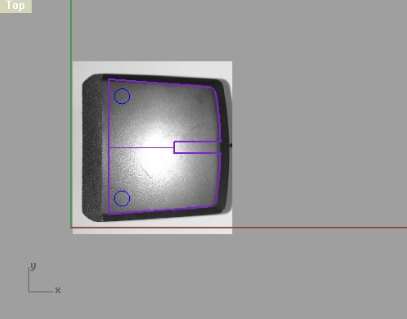
Split and move the circles down by 2 units.
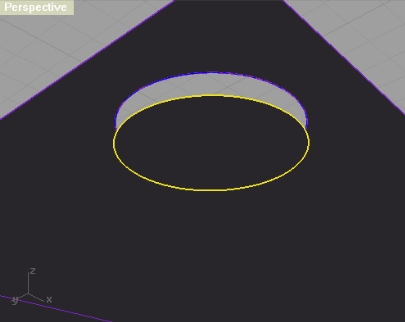
Next, either copy the circle, and move it also by 2 units down, or you can using DupEdge create a circle out of edge of the circle surface. Offset that circle by 0.5 units inside, and use it as a reference for creating a sphere.
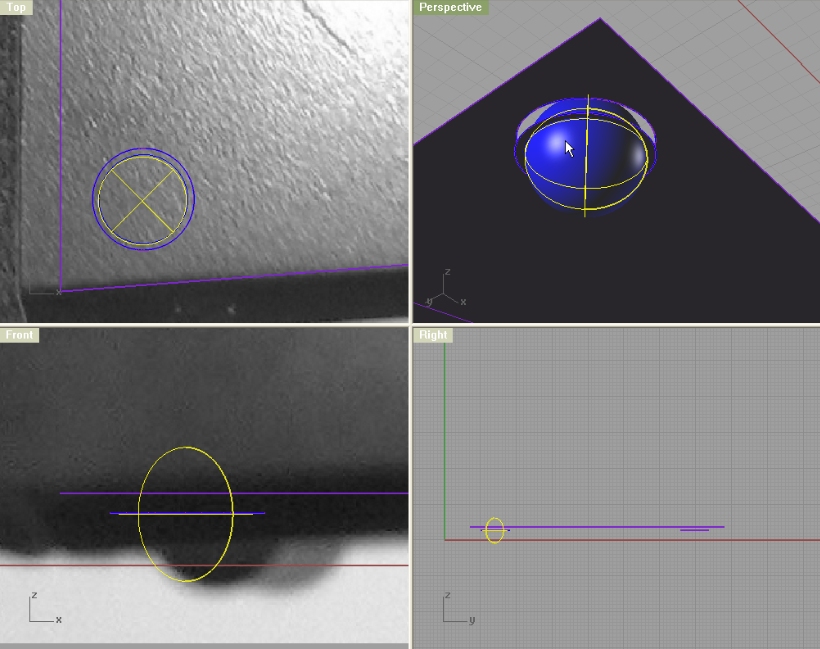
Trim off the upper part of a sphere, and loft the edges of the big surface and little circle surface. After that copy that part on the other side too, and join everything.
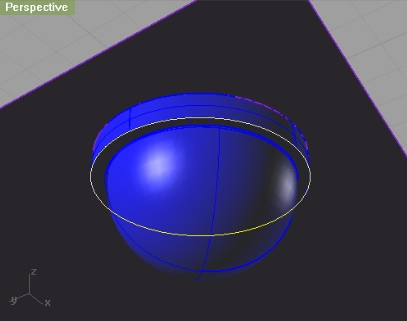
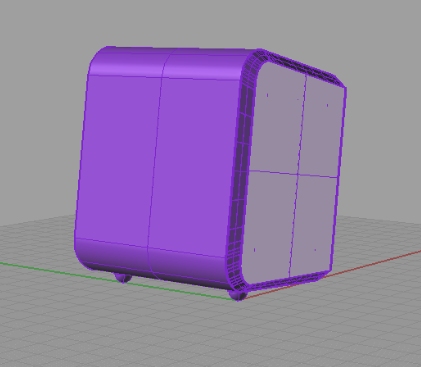
You’re done!


i *love* that you model the bosses and everything (i *hate* it when a tutorial is just an exterior surface). thanks so much for the great tutorials.
Yes, I agree, it’s a very interesting tutorial. Perfect explanation!